Give the display one clear job
A menu board, a lobby welcome screen and a promotional display serve different purposes. Identify the main job before selecting a screen. Then decide where viewers will stand, how long they will look and what action the content should support. A display that tries to carry every message at once often becomes harder to read.
Design for the viewing position
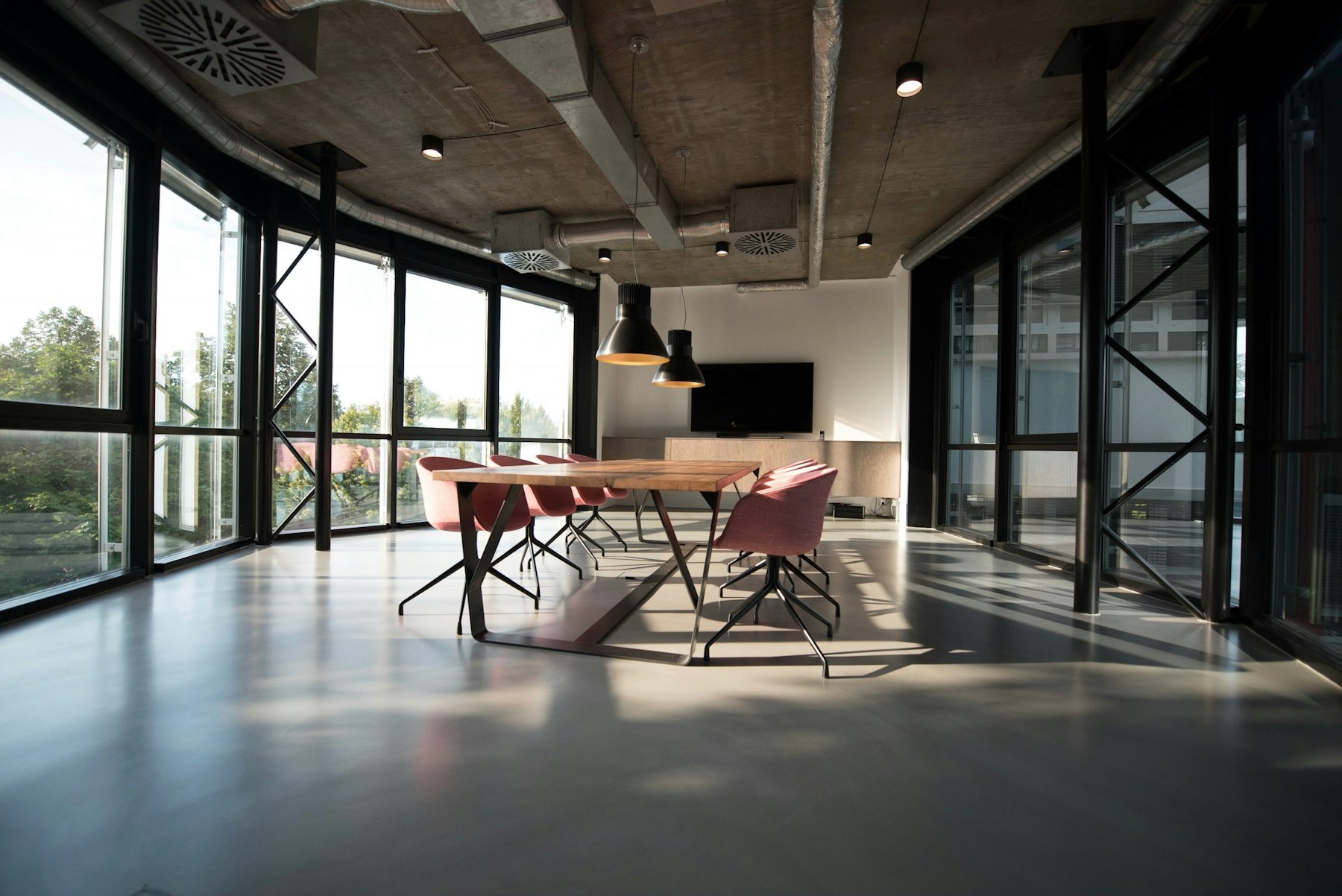
Screen size, mounting height, viewing distance and ambient light all affect usability. Evaluate the intended location in the actual space and consider glare, nearby windows and obstructions. Test representative content at a realistic size. Small text that looks fine on a laptop may be unsuitable across a room.
Plan the installation details
The screen needs a suitable mount, power, a content source and a serviceable route for its connections. Confirm which equipment supplies the content and how it reaches the display. If the space is being renovated, coordinate these details while access is easier. Include the people responsible for the wall, electrical work and network where applicable.
Keep content ownership simple
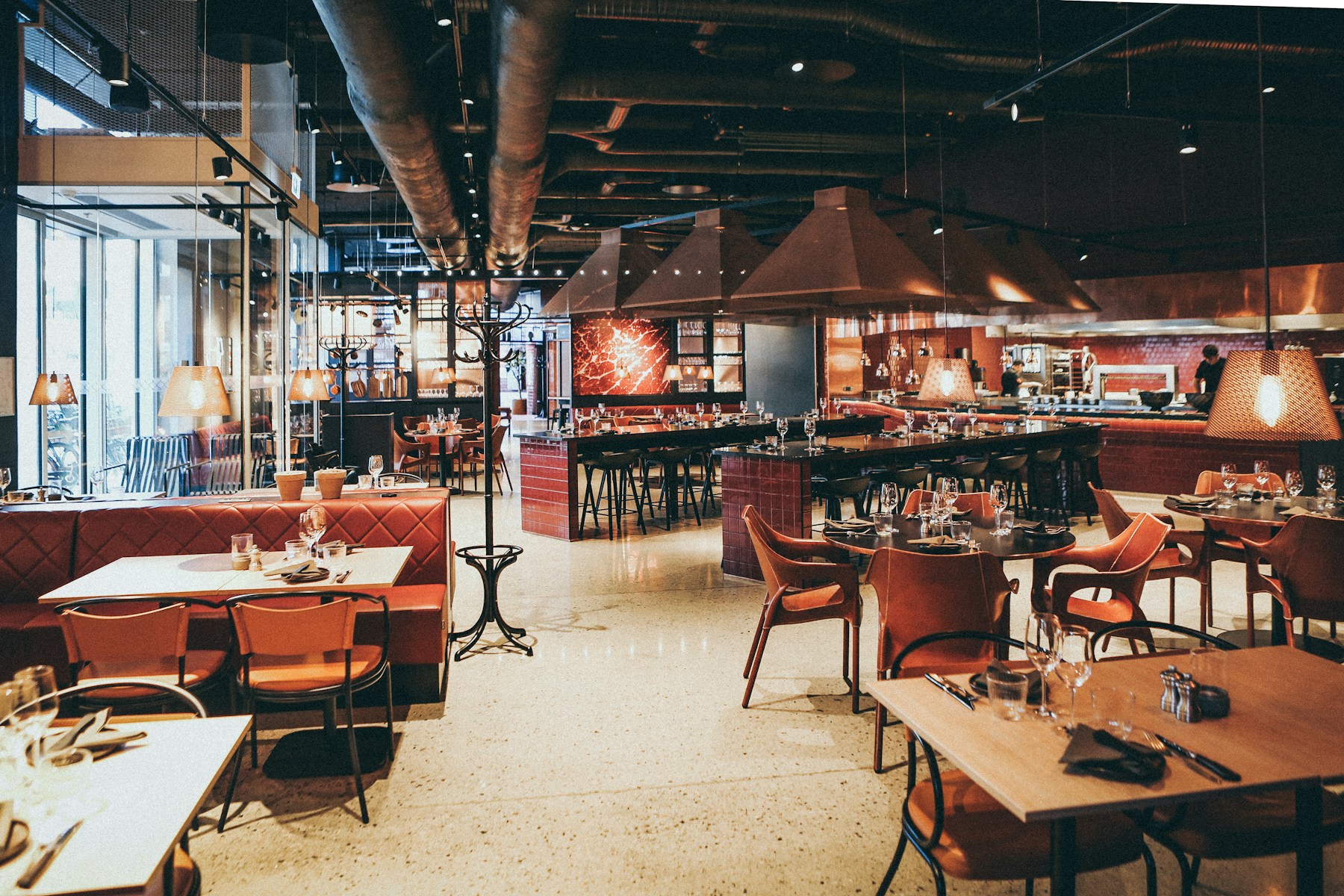
Name the person who will update the display and agree on a repeatable process. A restaurant might need a clear way to change availability or pricing, while an office might schedule welcome messages. Ask for a demonstration of the update workflow, including how to preview content and recover from a mistaken change.
Review the whole operating cost
Compare the display, mounting, installation, content player, software and support together. Clarify any subscription charges and confirm the intended operating hours with the proposed equipment. A successful installation is one that still displays useful, current information long after the first presentation looks impressive.
Put the ideas to work.
Every space has its own requirements. Let’s talk through yours and build a practical project scope.
Talk with Liflux